
-
×
 LearnDash LMS MemberPress Integration 2.2.2
1 × $4.49
LearnDash LMS MemberPress Integration 2.2.2
1 × $4.49 -
×
 Micro Office Admin
1 × $4.49
Micro Office Admin
1 × $4.49 -
×
TailStack - Tailwind CSS Admin Dashboards Template
1 × $4.49
-
×
Connect - Responsive Admin Dashboard Template
1 × $4.49
-
×
LearnDash LMS Stripe Integration 1.9.3
1 × $4.49
-
×
LearnDash LMS Gravity Forms Integration 2.1.3
1 × $4.49
-
×
LearnDash LMS BBPress Integration 2.2.4
1 × $4.49
-
×
LearnDash LMS WooCommerce Integration Addon 2.0.0.1
1 × $4.49
-
×
LearnDash LMS 2Checkout Integration 1.1.1.1
1 × $4.49
-
×
Array Themes Fixed WordPress Theme 3.3.9
1 × $4.49
-
×
Vien Angular - Angular 9 Admin Template
1 × $4.49
-
×
LearnDash LMS BadgeOS 1.4.9
1 × $4.49
-
×
Arcade Storefront WooCommerce Theme 2.1.8
1 × $4.49
-
×
Advanced Custom Fields Repeater Field Addon 2.1.0
1 × $4.49
-
×
WordPress WooCommerce SEO Premium 16.2
1 × $4.49
-
×
Array Themes Candid WordPress Theme 1.6.6
1 × $4.49
-
×
LearnDash LMS Notifications 1.6.4
1 × $4.49
-
×
LearnDash LMS SamCart Integration 1.1.0
1 × $4.49
-
×
Advanced Custom Fields Multilingual 2.1.3
1 × $4.49
-
×
Admin Templates
1 × $4.49
 LearnDash LMS MemberPress Integration 2.2.2
 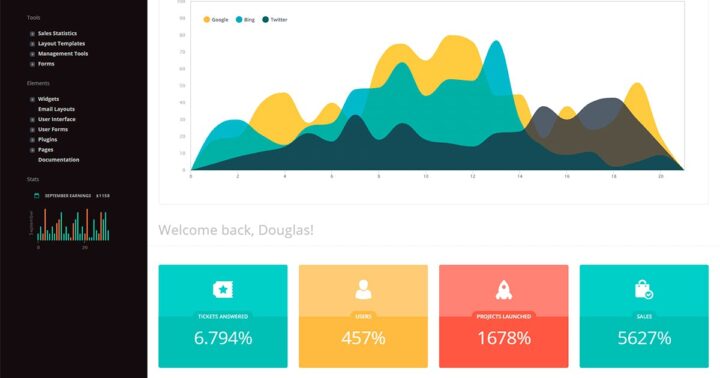 Micro Office Admin
 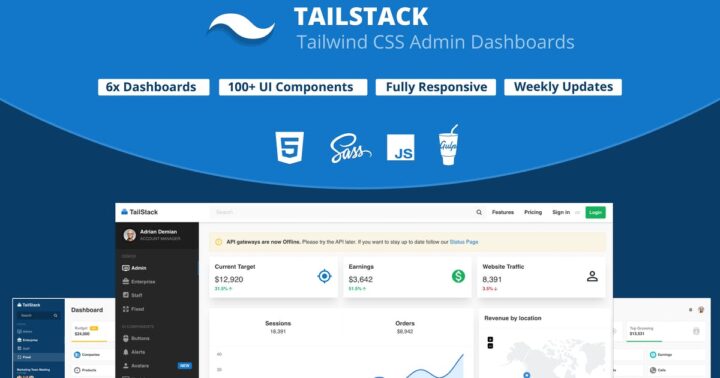 TailStack - Tailwind CSS Admin Dashboards Template
 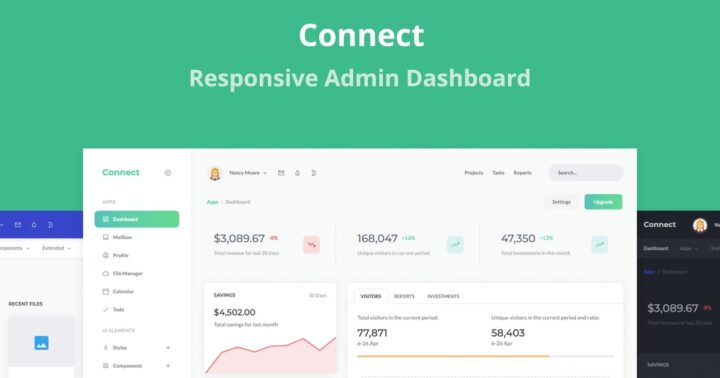 Connect - Responsive Admin Dashboard Template
  LearnDash LMS Stripe Integration 1.9.3
  LearnDash LMS Gravity Forms Integration 2.1.3
  LearnDash LMS BBPress Integration 2.2.4
  LearnDash LMS WooCommerce Integration Addon 2.0.0.1
  LearnDash LMS 2Checkout Integration 1.1.1.1
  Array Themes Fixed WordPress Theme 3.3.9
 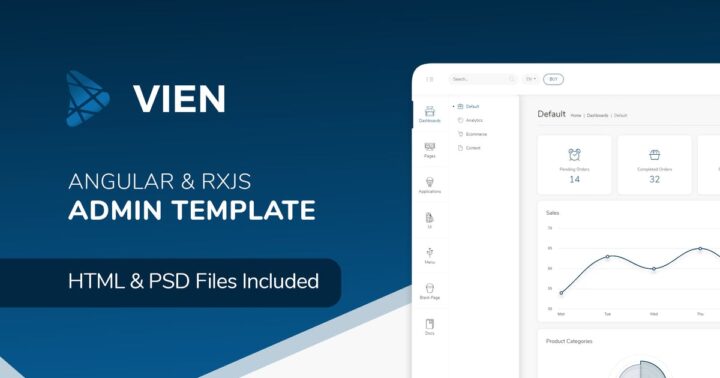 Vien Angular - Angular 9 Admin Template
  LearnDash LMS BadgeOS 1.4.9
  Arcade Storefront WooCommerce Theme 2.1.8
  Advanced Custom Fields Repeater Field Addon 2.1.0
  WordPress WooCommerce SEO Premium 16.2
  Array Themes Candid WordPress Theme 1.6.6
  LearnDash LMS Notifications 1.6.4
  LearnDash LMS SamCart Integration 1.1.0
  Advanced Custom Fields Multilingual 2.1.3
 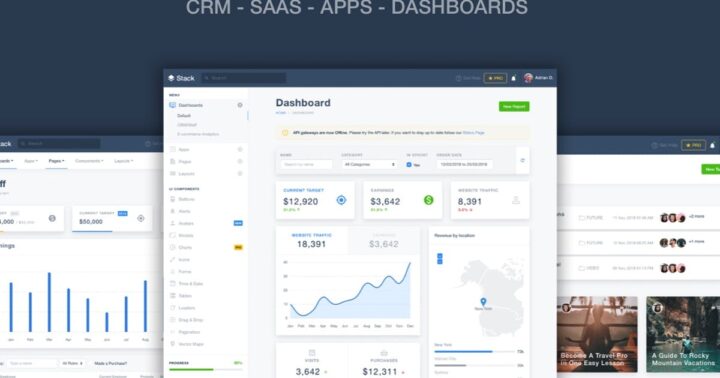 Admin Templates
 Subtotal: $89.80










Reviews
There are no reviews yet.